The Groovy Bassline Technique That Adds Human Feel
 ReOrder
·Dec 11, 2025
·6 min read
ReOrder
·Dec 11, 2025
·6 min read
How to Program Rolling Basslines That Make Progressive Trance Dancefloors Go Wild
Ever wondered why some basslines make crowds lose their minds while others fall flat? The secret isn’t magic—it’s technique. Here’s how to craft progressive trance basslines that create unstoppable dancefloor momentum.

Programming progressive basslines in trance or melodic techno is actually not any kind of alchemy, and it can be pretty straightforward once you know the techniques. The first approach that I always like to use is something called a rolling bassline, where you basically fill in every 16th note of a bar throughout the whole MIDI pattern, and then you just add a little bit of side-chain compression to it.
Don’t make it a full-on aggressive side-chain because then you will just lose the driving capabilities of your bassline – you want that forward momentum to stay intact. This technique gives you that relentless energy that keeps people locked to the dancefloor.
⚡ Quick Take: Rolling Bassline
- Fill every 16th note in your MIDI pattern
- Add light sidechain compression – avoid aggressive settings
- Keep forward momentum intact for maximum drive
The Groovy Bassline Technique That Adds Human Feel
The next really effective technique is actually to use something I call a groovy bassline, which makes your patterns really groovy and adds that human feel. So you fill in the second 16th note of the first beat and the fourth 16th note of that same first beat, and then in the second beat you fill in let’s say the third 16th note of that beat.
And when you do this programming pattern, you’re going to get this really nice groove that breathes and moves with the track. Also you can change it up a little bit and you can just reverse the pattern, so you have the first 16th note on the first beat and then place those two notes on the second and fourth 16th notes in the second beat, and you just keep on going with that alternating pattern.

Also a third variation you can use is where you fill in every 3rd 16th note in the bar and you just let it flow with this nice rhythmic pulse. It’s sort of an alternating rhythm that creates a different subdivision pattern, and it’s widely used in dance music to create that hypnotic, driving feel.
⚡ Quick Take: Groovy Bassline Patterns
- Basic pattern: 2nd and 4th 16th notes (beat 1), 3rd 16th note (beat 2)
- Variation 1: Reverse the pattern for alternating rhythm
- Variation 2: Every 3rd 16th note for hypnotic subdivision
- Creates human feel and breathing groove
Combining Techniques for Maximum Impact
What I like to use when it comes to trance music specifically – I always recommend using both of these techniques in different sections of your track, because when you have a groovy bassline supported by a driving 16th note rolling bassline, you always get the best of both worlds. You get the groove and the drive working together.
And just make sure that the rolling bassline is mixed a little bit lower in volume depending on what you’re trying to achieve with the energy, and use sub-bass on only one of them, or simply just cut the low end from both basslines and use a dedicated sub bass underneath the whole arrangement so it pumps nicely with the kick drum without any frequency conflicts.
When you have a groovy bassline supported by a driving 16th note rolling bassline, you get the best of both worlds – groove and drive working together.
⚡ Quick Take: Combining Techniques
- Use both groovy and rolling basslines in different track sections
- Mix rolling bassline lower in volume for energy balance
- Use sub-bass on only ONE bassline to avoid conflicts
- OR cut low end from both and use dedicated sub underneath
The Hard-Learned Lesson About Kick Integration
Now here’s something I learned the hard way – and this is where bassline programming really connects with your overall mix – your bassline needs to work hand in hand with your kick layers. I used to spend hours perfecting these bassline patterns only to find they were fighting with my kick drums in the low end.

The key is understanding that your bassline groove actually enhances the impact of your kick layering. When you get that rolling bassline sitting just right underneath your kick layers, it creates this incredible foundation that makes everything hit harder on the dancefloor.

⚡ Quick Take: Kick Integration
- Basslines must work WITH kick layers, not fight them
- Proper bassline groove enhances kick impact
- Creates stronger dancefloor foundation when balanced correctly
- Test your patterns with kick layers from the start
Adding That Human Touch with Swing
On top of that, I would say just spark some curiosity in yourself and just try to make something of your own. Experiment and play around with the grooves, place notes in different rhythmic positions and combine these bassline patterns with your percussion elements to see how they interact.
By the way, the last tip I would like to give you is also that in trance, progressive house, or melodic techno, we like to use a little bit of groove or swing to make everything feel more human and less robotic. So go to your groove pool in Ableton Live and apply a swing groove, adjusting the percentage – just add somewhere from 20 to 30% swing. Now you have really nice rolling and groovy basslines for your trance track that will keep people moving on the dancefloor.
⚡ Quick Take: Adding Swing
- Experiment with note placement and percussion interaction
- Use Ableton Live’s groove pool for swing
- Apply 20-30% swing for human feel
- Makes basslines less robotic, more dancefloor-friendly
💡 Try This Today
Open your DAW and create two MIDI tracks. On the first track, program a rolling bassline with every 16th note filled. On the second track, try the groovy bassline pattern: 2nd and 4th 16th notes on beat 1, 3rd 16th note on beat 2. Play them separately, then together, and hear the difference in energy and feel.
🎓 Take It Further
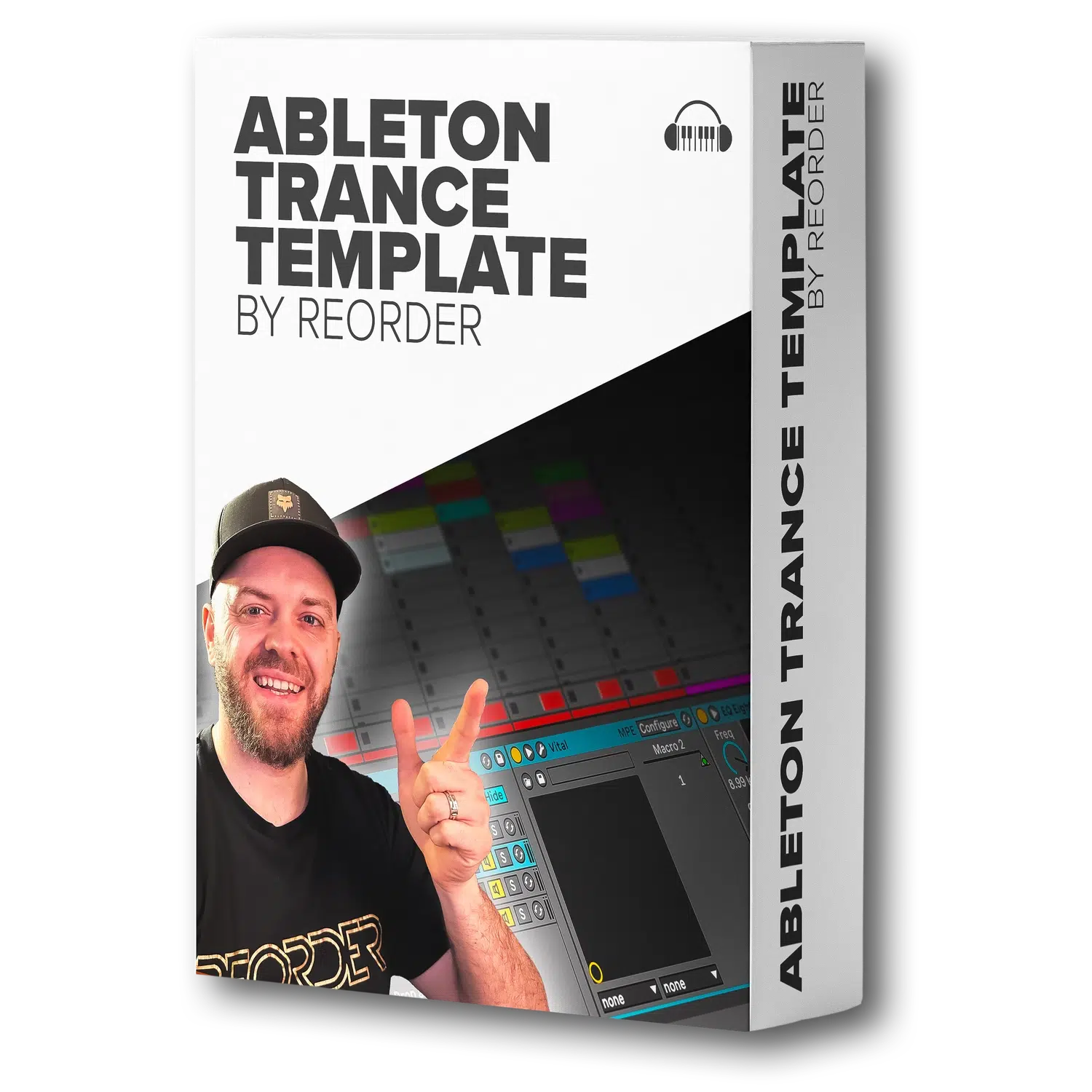
Ableton Trance Template by ReOrder
A full on uplifting trance template for Ableton live 11.3 produced by ReOrder. Every sound you are hearing in the demo is originally produced using only Ableton live native effects instruments and only one external plugin: Serum.
These bassline techniques have helped me create tracks that consistently move dancefloors around the world. The beauty is in the combination – knowing when to use driving momentum and when to add that human groove. Start with these patterns, experiment with your own variations, and most importantly, trust your ears. What bassline patterns have you discovered that create that perfect dancefloor magic? Drop a comment and let me know!