HOW TO MAKE TRANCE LIKE A PRO

How to Make Trance Like a Pro — Course Trailer
See the Ableton production workflow covered in ReOrder’s course.
Three courses for the complete process: create your trance track with ReOrder, work through a full mixdown, and explore Ozone 11 mastering with ReOrder and Jan Kristal.
All three courses below are included in this bundle.


Secure checkout · One-time purchase · Online course access
PRODUCTION · MIXDOWN · MASTERING
Three courses for three parts of making a finished trance record.
Follow ReOrder through a complete production in How to Make Trance Like a Pro. Study the full mixdown of his track “Let You Go” with EKE. Then join ReOrder and Jan Kristal for a dedicated mastering session in Ozone 11. Explore the decisions behind the sound and apply the techniques to your own music.
WATCH BEFORE YOU START
Explore the production course and the Ozone mastering session.
HOW TO MAKE TRANCE LIKE A PRO
See the Ableton production workflow covered in ReOrder’s course.
MASTERING WITH OZONE 11
Explore the mastering course with ReOrder and Jan Kristal.
THE THREE INCLUDED COURSES
Trance Start to Finish Bundle: production, full track mixdown and mastering.

01 / CREATE THE TRACK
Follow a real trance production from the first idea to the final master.
Watch ReOrder develop the groove, melodies, lead layers and arrangement in Ableton Live, then work through the mixdown and mastering decisions.
For intermediate and advanced producers. Demonstrations use Ableton Live 12.1.11 Suite and third-party plugins. Software licences are separate.
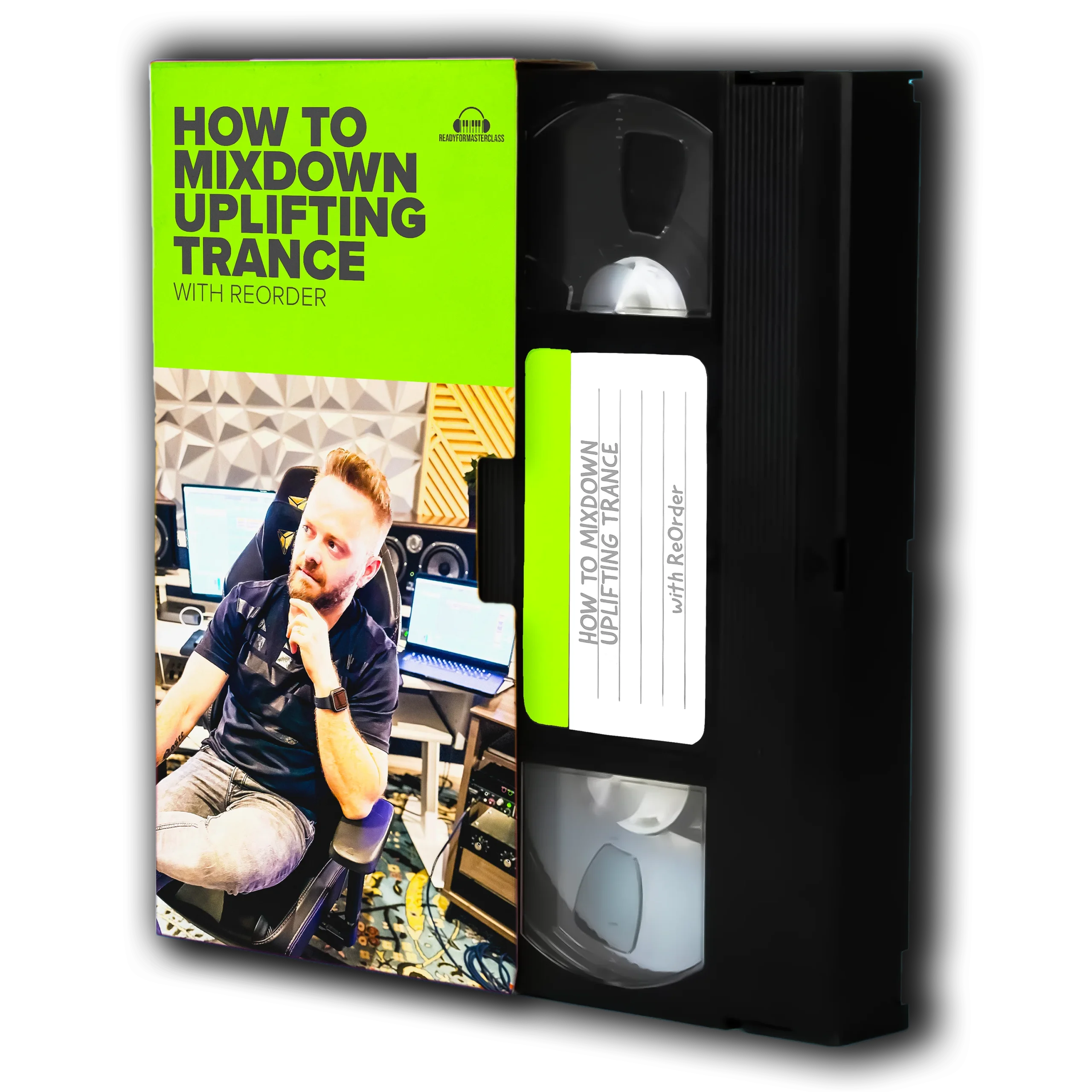
02 / WORK THROUGH A FULL MIXDOWN
Hear how the individual sounds become one track.
In How To Mixdown Uplifting Trance, ReOrder works through the full mixdown of his single with EKE, “Let You Go”. Follow how the bassline, lead stacks, drums and pads are shaped to work together.
This is the existing How To Mixdown Uplifting Trance course, delivered as one full course video.

03 / MASTER WITH OZONE 11
A dedicated mastering session with ReOrder and Jan Kristal.
Follow Jan’s approach to mastering a real trance track from How to Make Trance Like a Pro. Explore how his experience with analog mastering translates into decisions inside Ozone 11.
Requires iZotope Ozone 11. The software licence is separate from the course.
PUT IT TO WORK
Follow the creative decisions in How to Make Trance Like a Pro, then try the techniques in your own session.
Study how ReOrder balances the elements in a full track mixdown. Compare the changes and learn what each one contributes.
Explore Jan Kristal’s Ozone workflow and the reasons behind his tonal, dynamic and stereo decisions.
IS THIS FOR YOU?
The main production course follows an intermediate and advanced Ableton workflow. Familiarity with instruments, effects and session basics will help.
Learn how production, mixing and mastering decisions connect, then bring those ideas into your own music.
Watch full sessions, compare changes and revisit the parts that are useful to your current project.
BEFORE YOU BUY
The bundle provides access to three video courses and the resources included within those courses.
DAWs and third-party software licences are separate. Any course project files are educational resources; follow the applicable licence and use your own compositions for commercial releases.
A FEW QUICK ANSWERS
How to Make Trance Like a Pro with ReOrder; Mastering Trance with Ozone 11 by ReOrder and Jan Kristal; and Full Track Mixdown, listed in the course library as How To Mixdown Uplifting Trance.
After a successful purchase, the three included courses are made available in your Ready for Masterclass account. Sign in to watch the lessons and access each course’s own resources.
No. This is a one-time purchase of the three-course bundle for €89.99.
Yes. It is ReOrder’s How To Mixdown Uplifting Trance course, covering the full mixdown of “Let You Go” with EKE. It is separate from the mixdown chapter within How to Make Trance Like a Pro.
The bundle contains the courses and their included educational resources. Licences for Ableton Live, Ozone and other third-party tools must be obtained separately.
This bundle provides the existing recorded courses. It does not add a new scheduled live class or Q&A.
PRODUCTION · MIXDOWN · MASTERING
Three courses covering the creative process, a full track mixdown and Ozone 11 mastering.
One-time purchase · Online courses · Software licences separate