Why Your Hi-Hats Sound Robotic (And The 20ms Fix)
 ReOrder
·Aug 19, 2026
·5 min read
ReOrder
·Aug 19, 2026
·5 min read
You’ve got a perfectly programmed 16th-note hat pattern. Every note on the grid, every velocity identical, dead on time. And it sounds like a machine gun. Lifeless. Nothing like the hats in the tracks you’re referencing, even though on paper it’s exactly the same pattern.
The difference is not the sample. It’s that yours is too perfect.
So let’s have a look at that.

The two settings that fix it
This takes about thirty seconds.
Timing: humanize by ±10 to 20 ms. Not more. You’re not trying to make it sloppy, you’re trying to remove the machine feel. A few milliseconds of drift either side of the grid is enough for your ear to stop hearing a sequencer.
Velocity: randomize by around 10 percent. Real hands don’t hit at the same strength twice. Ten percent variation is enough to make the pattern feel played instead of drawn.
That’s it. That’s the whole fix. Two settings and your hats stop sounding like a drum machine that’s never been touched.
One thing to be careful about — don’t overdo the timing. Push it past 20 ms and future trance especially starts to feel loose and drunk. The genre wants tight. You’re adding life, not swing.

Build the pattern properly first
Before humanizing, get the foundation right.
Closed hat. Grid to 1/16, draw the pattern in with the pen tool. C3 is the standard pitch. This is your rhythm backbone — it’s doing the job of keeping the track moving between kicks.
Open hat. Grid to 1/8, place it on the quarter notes, on the beat. This is what gives you the swing and the lift.
And here’s the one that catches everybody out: disable the choke function on your closed hat. In most drum racks the closed hat is set to choke the open hat — that’s realistic for a real hi-hat, where you physically can’t have both. But in trance you want them ringing together. If your open hats keep getting cut off for no obvious reason, that’s your culprit.
Also set the open hat to one-shot mode so the tails don’t overlap into each other and turn into a mess.

EQ every single one, immediately
This isn’t optional and it isn’t a later-stage thing. The moment a percussion element goes into the project, it gets an EQ.
Low-cut aggressively on both open and closed hats. There is nothing useful down there — it’s rumble, and it’s stealing headroom from your kick and bass. Open hats in particular should have essentially no low end at all.
Then boost the high-mids for shine, and cut above 20 kHz for safety. You can’t hear it, but it’s real energy and it does add up across a busy percussion group.
Do this on every hat, every shaker, every ride, every percussion loop. It’s mandatory and it’s the single biggest reason some people’s drums sound clean and others sound cloudy.
Make the open hats sing
Once the pattern and the EQ are sorted, this is where hats stop being functional and start being a feature.
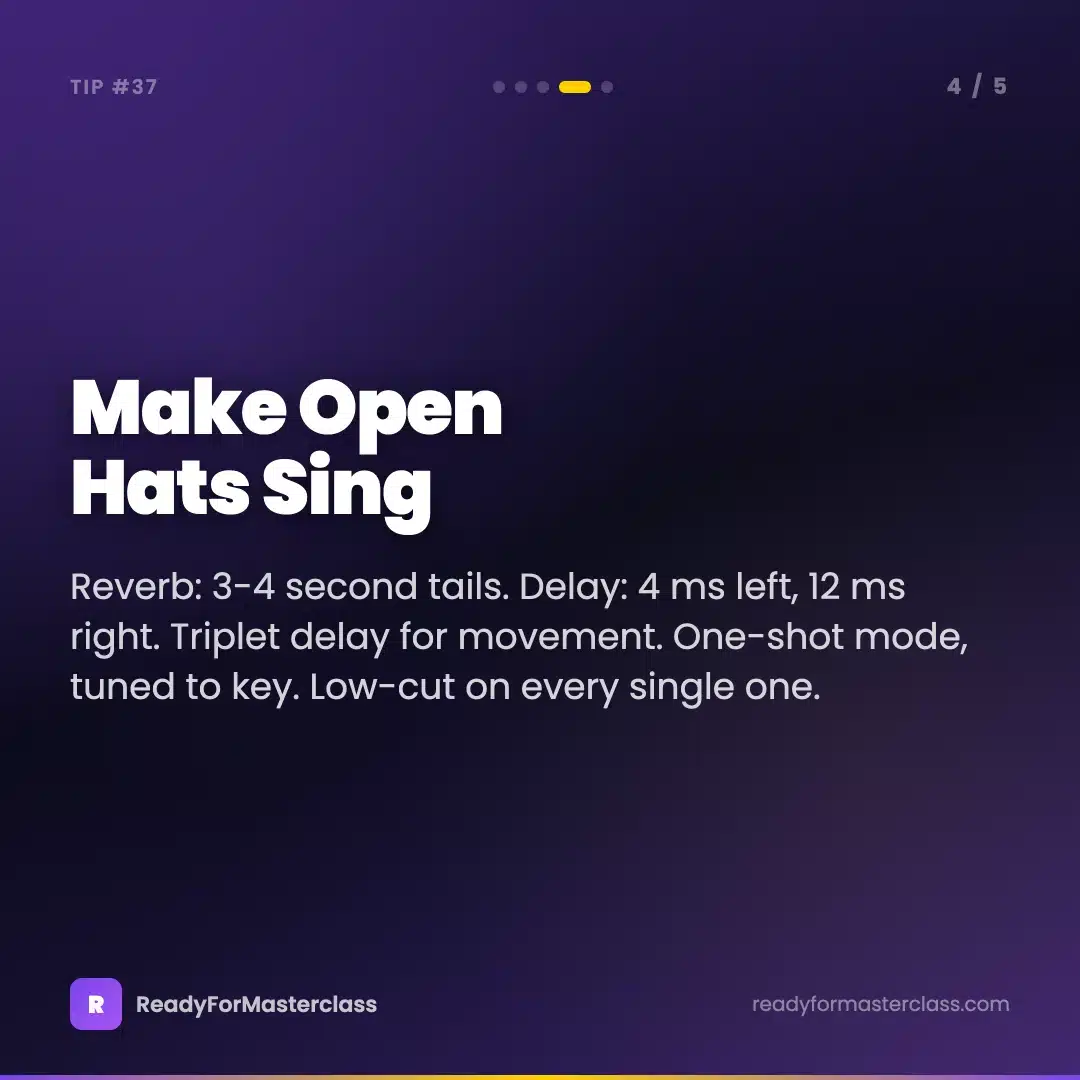
Reverb: 3 to 4 second tails. Long. Much longer than feels sensible when you first try it. Send them to your reverb return rather than putting an instance on the track.
Stereo delay: 4 ms on the left, 12 ms on the right, at a reduced level. That’s a Haas offset and it makes the hats wide without touching the low end or causing phase problems.
Triplet-based delay. Try 1/8 triplet on the open hats. It sits against the straight 16ths in a way that adds movement without cluttering the grid.
Tune the pitch to fit the key and vibe of the track. Hats have pitch, and a hat that’s fighting your key sounds subtly wrong in a way that’s hard to place.
If you want more density in a breakdown or a quieter section, copy the closed hat pattern to a ride cymbal and shift it to the offbeats, between the main beats. Boost the low-mids for body and the high-mids for life, then pull the level down with a Utility. Instant extra layer that doesn’t crowd anything.
The percussion approach in full — how the groove gets built before any melodic element goes in — is what I cover in How To Make Tech Trance, where the drums have to carry a lot more of the track.
Use them to build, not just to fill
One last thing, because most people program hats once and leave them alone for the whole track.
In a buildup: first 4 bars closed hat only, minimal pattern. Then gradually introduce the open hat. Then layer a percussion loop in partway through. You’re building energy purely by addition, before you touch a riser.
Automate the levels so they fade in progressively rather than appearing all at once. Bring the ride in at the moment you need extra density. Every percussion layer should have a job in the energy arc, not just exist.
Try This Today
Take the closed hat pattern in whatever you’re working on. Humanize the timing by 15 ms and randomize velocity by 10 percent. Play it back against how it was.
Then check whether the choke is disabled on your closed hat — if your open hats have been getting cut short, you just fixed something that’s probably been bothering you for months.
And if there’s no low-cut on your hats yet, put one on. All of them. It’ll clean up the whole low end more than you expect.
Super easy, and it changes the feel of the entire groove.
Go have fun with it.

Want to go deeper? Building a groove that carries a track — percussion layering, sidechain strategy and transitions — is in How To Make Tech Trance.
Get the tools: Pro Trance Template by ReOrder (€24.99) — my actual Ableton project, so you can open the drum group and see exactly how the hats are programmed, EQ’d and processed.